Microsoft
Microsoft 365 Copilot
AI-powered productivity assistant
See Microsoft 365 Copilot in Action
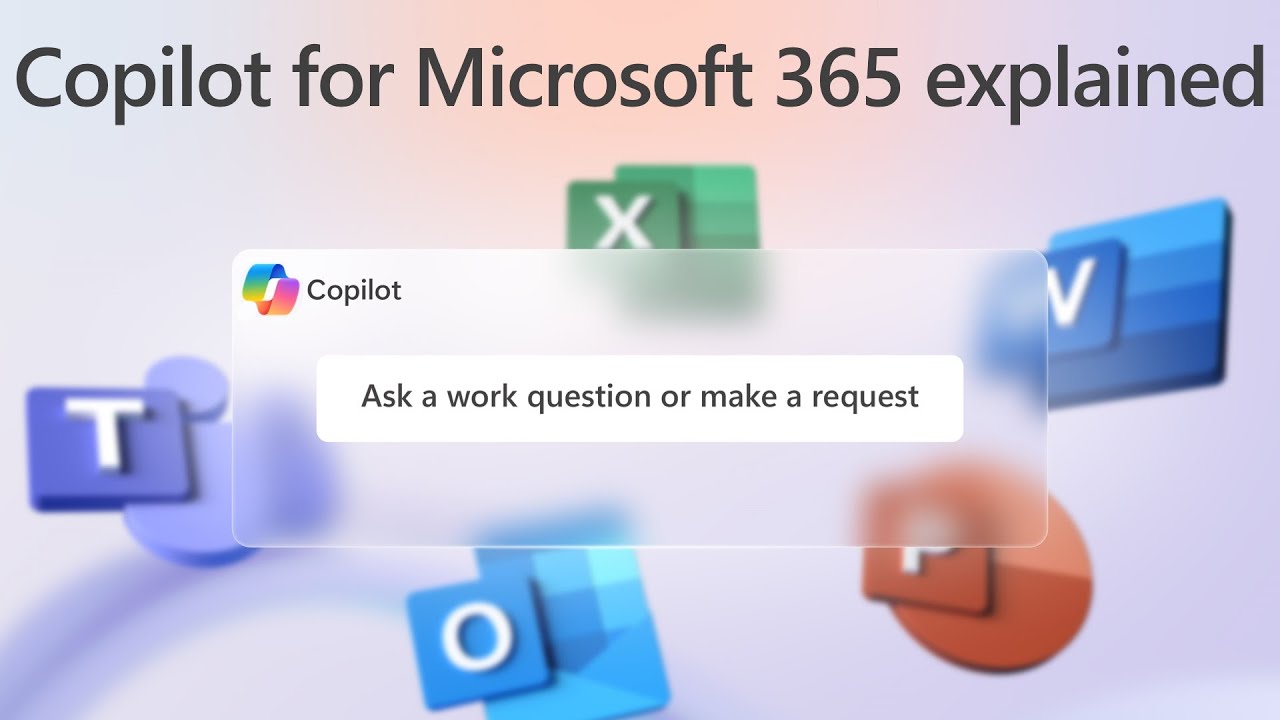
Key Features
Natural Language Interface
Ask questions and give commands in plain English
Document Generation
Create drafts of documents, emails, and presentations from prompts
Data Analysis
Get instant insights, formulas, and visualizations from Excel data
Meeting Intelligence
Summarize Teams meetings and generate action items
Microsoft Graph Integration
Copilot accesses your emails, chats, documents, and calendar through Microsoft Graph to provide contextually relevant responses based on your organizational data.
Enterprise Data Protection
Your data stays within your Microsoft 365 tenant. Copilot inherits your existing security, compliance, and privacy policies. Prompts and responses are not used to train foundation models.
Trusted by Thousands
4.5
2,100 reviews
1M+ users
customers worldwide
Available Plans
Compare PlansGet Your Price
Tell us what you need and we'll send you a custom quote within 1 business day.
Why Get Microsoft 365 Copilot Through Inventive HQ?
Authorized Partner
We work with leading vendors to provide genuine, fully licensed software solutions.
Expert Deployment
Our team helps configure and deploy solutions tailored to your needs.
Ongoing Support
Dedicated account management and technical support when you need it.
Volume Licensing
Flexible licensing options tailored to your organization's size and needs.
“Inventive HQ made our software procurement painless. They handled deployment, licensing, and training — we were up and running in days, not weeks.”
James Mitchell
IT Director, Mid-Market Financial Services
Ideal For
Accelerating Document Creation
Draft proposals, reports, and presentations in minutes instead of hours. Copilot generates first drafts from prompts or existing content that you can refine and personalize.
Meeting Productivity
Get real-time summaries during Teams meetings, catch up on missed meetings with AI-generated recaps, and automatically capture action items and key decisions.
Email Management
Summarize long email threads, draft contextual replies, and prioritize your inbox. Copilot understands the conversation history and suggests appropriate responses.
Data Analysis in Excel
Ask questions about your data in natural language. Copilot generates formulas, creates PivotTables, identifies trends, and builds visualizations without requiring Excel expertise.
About Microsoft 365 Copilot
Learn how Microsoft 365 Copilot from Microsoft can help transform your business operations.
Microsoft 365 Copilot is an AI-powered productivity assistant that integrates directly into the Microsoft 365 applications organizations already use—Word, Excel, PowerPoint, Outlook, Teams, and more. Built on large language models and grounded in an organization's own data through the Microsoft Graph, Copilot understands context from emails, documents, meetings, and chats to deliver relevant, actionable assistance without leaving the applications where work happens.
In Word, Copilot drafts documents, rewrites sections, summarizes lengthy content, and generates first drafts from prompts or existing files. In Excel, it analyzes datasets, identifies trends, creates formulas, generates PivotTables, and produces visualizations from natural language descriptions of what users want to see. PowerPoint users can generate presentation drafts from Word documents or simple prompts, and Copilot handles layout, formatting, and speaker notes.
Outlook integration helps users manage email more efficiently by summarizing long threads, drafting contextual replies, and prioritizing messages that need attention. In Teams, Copilot summarizes meetings in real time, captures action items, answers questions about what was discussed, and helps users catch up on conversations they missed. Business Chat provides a conversational interface that works across all Microsoft 365 data, allowing users to ask questions that span emails, files, meetings, and contacts.
Because Copilot operates within the Microsoft 365 security and compliance boundary, it respects existing access controls, sensitivity labels, and data loss prevention policies. Users only see AI-generated content derived from data they already have permission to access. For organizations looking to increase productivity while maintaining governance over their data, Copilot provides AI capabilities within the trust boundary they have already established.
Frequently Asked Questions
Ready to Get Started with Microsoft 365 Copilot?
Let our experts help you deploy and configure Microsoft 365 Copilot for your organization. Get expert guidance and dedicated support.